
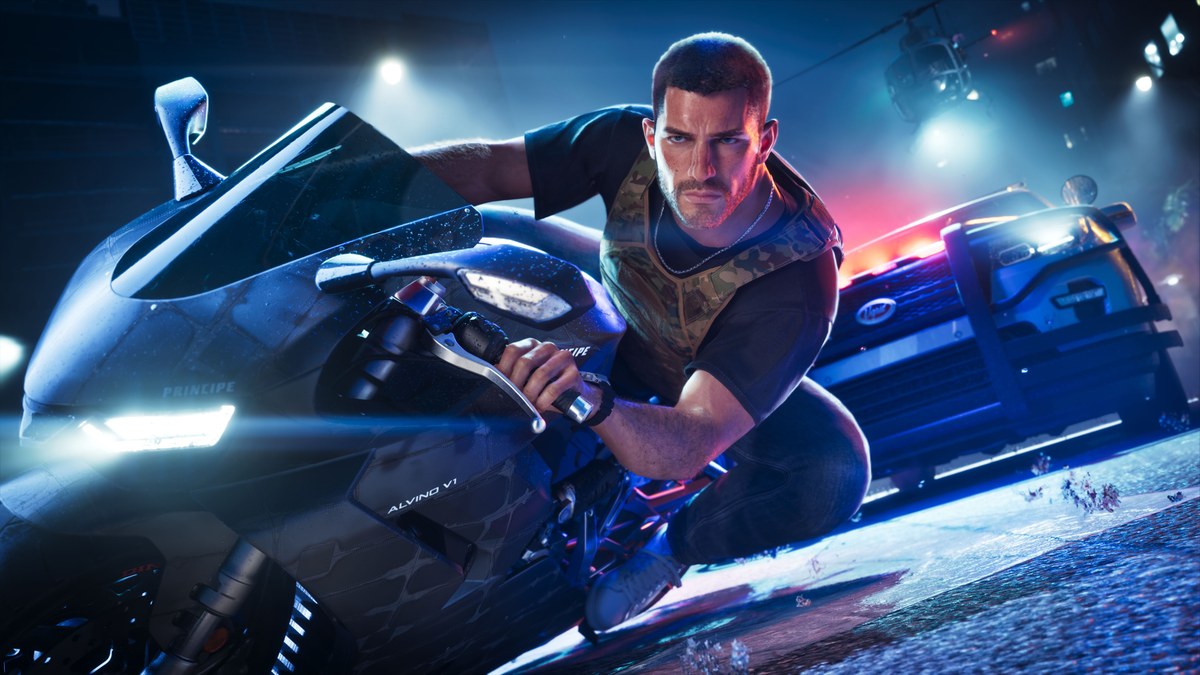
GTA 6 AI clipping means feeding your best GTA 6 moments to a tool that finds the highlights, crops them to vertical and adds captions, so you can post to TikTok, Instagram Reels and YouTube Shorts without hours in an editor. This guide covers capture on PS5 and Xbox Series X|S, moving clips off the console, five tools with the free tiers and prices their own pages show, and the Rockstar rules to follow first.
GTA 6 is out now: Rockstar launched it on 19 November 2026 on PS5 and Xbox Series X|S, and the capture steps below use each console's built-in tools.
We only recommend what we'd use.
Last updated: 19 November 2026
GTA 6 release status and platforms
Rockstar's GTA VI page lists PlayStation 5 and Xbox Series X|S, and the game launched on 19 November 2026. Take-Two's pre-order announcement gave the same date and platforms. No PC version is listed. Sony unlocked the PS5 version at midnight local time by country, starting at 12:00AM NZDT in New Zealand on 19 November.
Xbox says Xbox One owners can stream it through Xbox Cloud Gaming from 1am ET on 19 November, but this guide covers the two consoles that run it natively. Still choosing hardware? Our GTA 6 console comparison covers prices and storage.
Capture GTA 6 gameplay on PS5 and Xbox
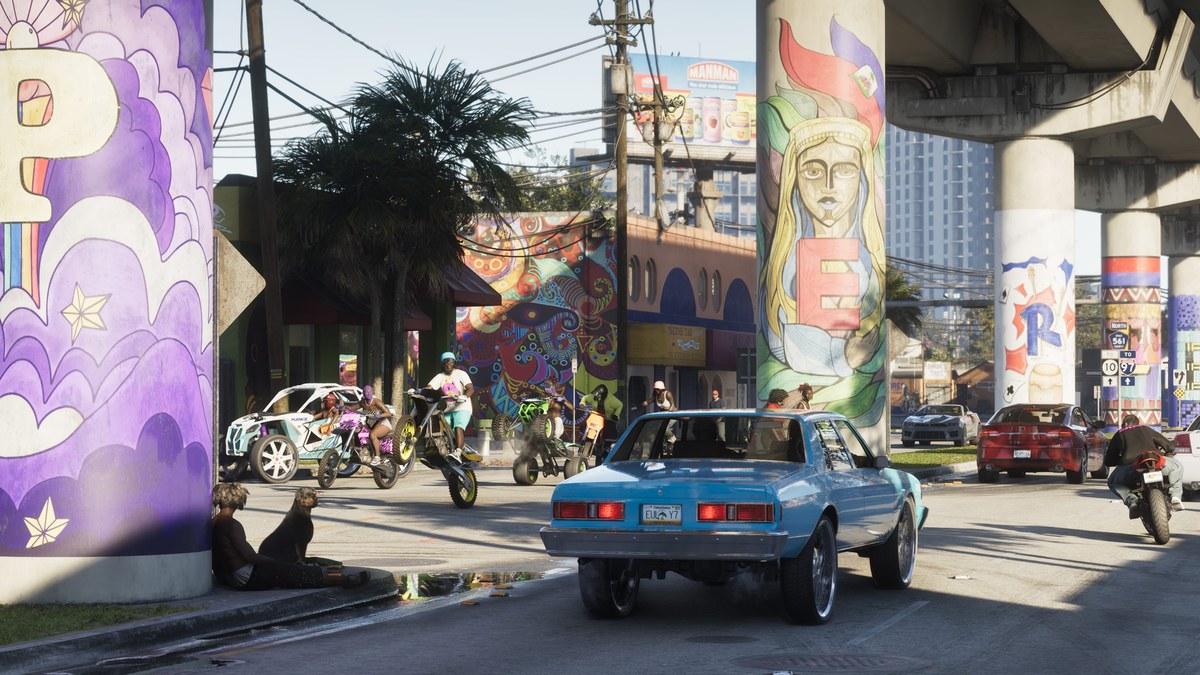
PS5. Press the Create button on the DualSense. Choose Save Recent Gameplay to keep anything from the last 15 seconds up to 1 hour, or Start New Recording for up to 1 hour. Under Capture Options you can change the format and resolution. Sony warns that some scenes are blocked and will not appear in clips.
Xbox Series X|S. Xbox says to press the controller's Share button once for a screenshot, hold it to record a clip, and double tap it to open your capture library. You can remap it in the Xbox Accessories app.
Save moments as they happen instead of recording whole sessions. Short files also save console storage; our GTA 6 file size guide covers freeing space.
Move your clips off the console
PS5, USB drive: open Media Gallery, select a capture, then choose More and Copy to USB Drive.
PS5, PlayStation App: with Auto-Upload on, clips go to the cloud and show under Library, then Captures, where you can download them to your phone. Sony's limits: clips must be 1920x1080 or lower and under 3 minutes, so 4K clips are not uploaded. They stay available for 14 days, and PlayStation Plus is not required.
Xbox: press the Xbox button, go to My games & apps, See all, Apps, then Captures. From there you can copy clips to OneDrive or to external storage, and you can turn on automatic OneDrive backup. Xbox says captures kept on the Xbox network are deleted after 90 days, so copy any you want. The Xbox app can also save captures to your phone. Menu names can shift with updates.
GTA 6 AI clipping tools compared
These tools find moments, reframe to 9:16 and add captions. Eklipse works from live streams, so it fits only if you stream your console to Twitch or YouTube, the two services its FAQ names for console streams. The rest take an uploaded file. Details come from each tool's own page, read on 18 November 2026. Plans change, so check before you pay.
| Tool | Free option | Paid price shown | Good to know |
|---|---|---|---|
| OpusClip | Free plan, $0 | Starter $15/mo, Pro $29/mo | Upload a file of up to 10GB. Free plan exports up to 1080p, with watermarked caption templates. Plan table lists a screenshare/gameplay layout. |
| Eklipse | Free sign-up previews one recent stream; exporting clips needs Premium | Premium $24.99/mo or $179.99/yr, Premium Pro $39.99/mo | Clips Twitch, Kick and YouTube streams. Its FAQ says it clips PS5 and Xbox streams with no capture card. |
| Vizard | Free: 60 credits a month, 720p export, 3-day storage | Creator $29/mo or $174 billed yearly, Business $39/mo or $234 billed yearly | Free uploads are limited to 60 minutes and 1GB. Paid plans remove the watermark and export in 4K. |
| Medal | Free to clip, edit, upload and share | Premium price not shown on its page; 14-day free trial offered | Premium removes watermarks and adds auto subtitles. The page does not say how console footage gets in. |
| YouTube Shorts tools | Free in the YouTube app | No price on the help page | Upload vertical videos up to 3 minutes and 1080p. Add music, text and effects. |
For uploaded files, try OpusClip or Vizard first, since both have free plans. Vizard's 1GB free upload limit is small, so trim long clips or lower your capture resolution.
Step-by-step: from console clip to vertical short
- Capture the moment on your console and save it straight away.
- Move the file to your phone or computer. For the PlayStation App, keep clips under 3 minutes and at 1080p or lower; otherwise use a USB drive or OneDrive.
- Upload it to a clipping tool, or connect your stream if you use Eklipse.
- Pick 9:16 and a clip length. OpusClip lets you choose ranges from under a minute up to 15 minutes.
- Review every clip yourself. Eklipse, for example, scores moments from gameplay events, audio spikes and chat, which says nothing about spoilers.
- Check the audio, fix the captions and export at 1080p, the most YouTube Shorts accepts. For manual polish, see our Descript vs CapCut comparison.
- Upload to each app and read that app's own rules before you post.
What to avoid: Rockstar rules, spoilers and music
Rockstar's policy. Rockstar's policy on posting copyrighted material, last updated 10 January 2025, says Take-Two generally does not object to non-commercial use that does not intentionally spoil the plot. It defines non-commercial as not making money through the footage and not using it to promote a product or service. Rockstar can take material down at any time. The policy is written for occasional, non-commercial use by individual fans, and it says it does not apply to film, TV or streaming distribution, music videos, advertisements, or books, magazines or digital publishing. We found no GTA 6 specific video policy. Rockstar lists leaked footage, spoilers, cheating and unauthorised mods as take-down reasons.
Monetising. YouTube says Shorts creators can earn through its Partner Program once they meet its thresholds. Under Rockstar's definition of non-commercial, ads or sponsorships could fall outside its policy. If you plan to earn from GTA 6 clips, email copyright@take2games.com first.
Spoilers. Rockstar says to avoid the ending, big story reveals and isolated cutscenes. Cutscenes are fine as part of a longer playthrough. A tool may pick a dramatic story scene, so remove those.
Generative AI. Rockstar's Terms of Service, last updated 28 February 2025, say nothing in the licence authorises using "the Services (including the Content), Virtual Items, or your Account" to develop, train, enhance, or provide source material for, or promote, any Generative AI Tools, and that any such use is explicitly prohibited. They define these as tools that use AI or machine learning to create content such as software code, text, still or moving images, musical works, human voice emulation or audio. Rockstar does not say whether a clipping tool counts. This is not legal advice. A cautious approach is to use tools only to find, trim, reframe and caption, and to skip AI voice-over, AI B-roll and similar features built from your footage. Ask Rockstar at the address above if unsure.
Music. We found no official GTA 6 statement on whether in-game radio music is cleared for clips. If you are unsure about a track, mute the radio or cut the moment.
GTA 6 AI clipping FAQ
When does GTA 6 come out?
GTA 6 is out on PS5 and Xbox Series X|S as of 19 November 2026. Rockstar's posting policy says in-game footage "from leaked copies of the game prior to its official release date will be taken down, regardless of how the game was obtained."
Do I need a capture card?
Not for the methods above, since both consoles have built-in capture. Eklipse says its stream route needs none either.
Is there a free GTA 6 AI clipping tool?
OpusClip, Vizard and Medal each have a free option, and YouTube's Shorts tools are free in the app. Free plans limit export quality, storage time or watermarks.
Can I post a whole mission?
Short moments of play are the safer choice. Rockstar's policy says isolated cutscene videos will be removed.
Next step: pick one tool with a free plan, run one test clip through it now, and check the result for spoilers and audio before you post.
Featured photo: Rockstar Games
Sources: Rockstar Games, Grand Theft Auto VI; Take-Two, GTA VI pre-orders announcement; Rockstar Support, Policy on posting copyrighted Rockstar Games material; Rockstar Games, Legal and Terms of Service; PlayStation Support, capture PS5 gameplay; PlayStation Support, Media Gallery and USB copy; PlayStation Support, PS5 captures on PlayStation App; Xbox Wire, Share button and Xbox app; Xbox Wire, backing up captures; PlayStation Blog, GTA VI pre-load and launch times; Xbox Wire, GTA VI on Xbox Cloud Gaming; YouTube Help, Get started creating Shorts; OpusClip pricing; Eklipse homepage FAQ; Eklipse Help, free or paid; Vizard pricing; Medal Premium.