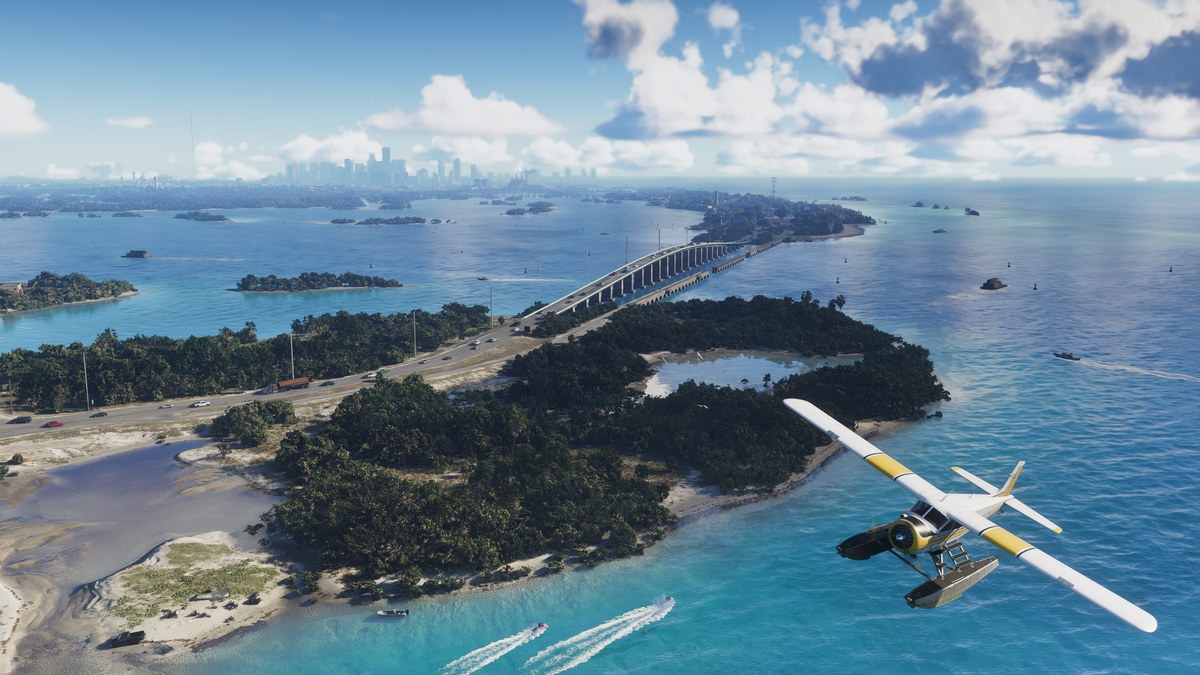
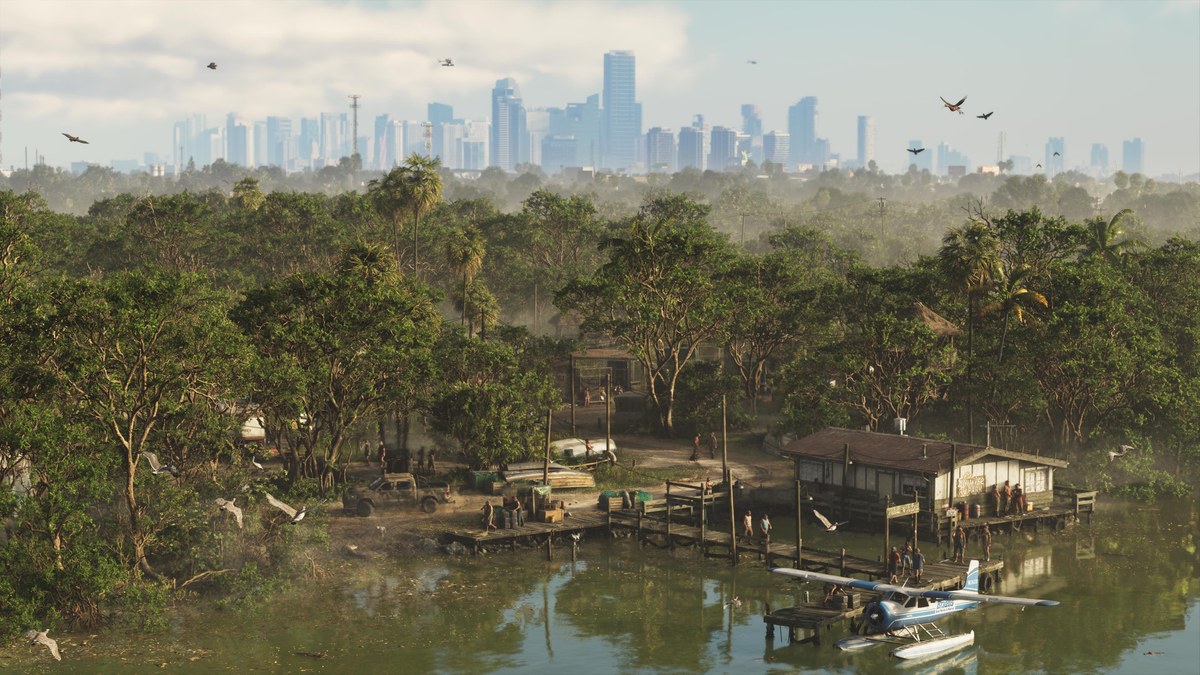
The GTA 6 file size is reportedly 210GB on PS5; Rockstar hasn't confirmed it. That figure comes from store data shared on X on 27 October and reported by Engadget, and it's labelled a download size, so the game may need more room once installed. There's no Xbox figure yet. Preloading opens on 12 November, a week before launch on 19 November.
This guide covers where the number comes from, how much room to clear, and the official steps to free up space on PS5 and Xbox Series X|S without losing your saves.
We only recommend what we'd use.Last updated: 28 October 2026
The short answer
Size: reportedly 210GB on PS5; Rockstar hasn't confirmed a size. It's a download size, not a confirmed install size.
Plan for more: clear well over 210GB to leave headroom for installing and for any day-one patch.
Xbox: no size has been published or reported for Xbox Series X|S.
Dates: preload from 12 November, launch on 19 November.
Freeing space: deleting a game on PS5 or Xbox doesn't remove your purchase, and you can download it again later.
Where the 210GB figure comes from
The number was posted on X on 27 October by PlayStation Game Size (@PlaystationSize), an account that tracks game sizes from PlayStation store data. Its post lists a download size of 210 GB for the Standard edition of GTA 6, along with the preload and release dates.
Engadget reported the post the same day and said it had been "corroborated by Insider Gaming". Rockstar, Sony and Microsoft haven't published an official size, so treat 210GB as a strong guide rather than a final number.
Download size vs install size
A download size is what comes over your internet connection. The space the game needs on your console can be different. Engadget put it this way: "It's not yet known if that's the total amount of storage necessary to install the game (installers themselves take up temporary space on your hard drive) or just the game itself".
Engadget also notes, citing Insider Gaming, that a day-one patch could add to that. So 210GB is the floor to plan around, not the ceiling.
What about Xbox and the Ultimate Edition?
No size has been reported for Xbox Series X|S, and the size of the Ultimate Edition hasn't been reported either. If you play on Xbox, the safest plan is to clear at least as much space as the PS5 figure until a real number appears.
GTA 6 preload and launch dates
Image: Rockstar Games
These come from Rockstar's pre-order announcement, published by Take-Two on 24 June 2026:
What
Detail
Preload opens
12 November 2026, for digital pre-orders
Physical copies in stores
From 12 November 2026, with a download code in the box
Launch
19 November 2026, on PS5 and Xbox Series X|S
Pre-order bonus
Vintage Vice City Pack, for pre-orders and purchases before 20 November 2026
Price
$79.99 standard, $99.99 Ultimate Edition
Rockstar's release says players who pre-order digitally "will be able to begin pre-loading on November 12, 2026 to ensure they are able to play at launch on November 19, 2026."
Buying a physical copy? You still need the space
The box won't let you skip the download. Rockstar's release says "The physical version of Grand Theft Auto VI, containing a download code inside the box, will be available starting November 12, 2026 to support pre-loading." So plan for the same free space whether you buy digitally or in a store.
If you're still deciding which console to play on, our guide to the best console for GTA 6 compares the options, including built-in storage.
How to free up space on PS5
Sony's support page sets out the official ways. Start by checking what you have: on the home screen, go to Settings > Storage.
Delete games and apps you're not playing
Go to Settings > Storage > Console Storage > Games and Apps.
Choose the data you want to get rid of, and select Delete.
Sony says "you won't lose access to any deleted games or applications — you can re-download your purchases from your game library whenever you like."
Trim parts of a game
Sony explains that "When a game has Customize next to its title, you can select and manage portions of the game data." That lets you remove add-ons you don't use or parts of a game you've finished, and still play the rest.
Move games instead of deleting them
You can move PS5 games to USB extended storage or to an M.2 SSD fitted inside the console. There's a catch with USB: Sony says "To play PS5 games, you need to move game data from your USB extended storage drive back to your PS5 console storage or M.2 SSD storage." So a USB drive is a place to park games, while an M.2 SSD gives you more space you can play from.
Back up your saves first
If you have PlayStation Plus, you can upload saved data to cloud storage before you delete anything. Go to Settings > Saved Data and Game/App Settings, select Saved Data (PS5) or Saved Data (PS4), then select Upload or Delete from Console Storage.
How to free up space on Xbox Series X|S
Microsoft's Xbox Support page on managing storage starts with the simplest advice: "If your XBOX fills up, make space by uninstalling items you're not using."
Use the Free up space screen
Press the Xbox button on your controller to open the guide.
Select My games & apps > See all.
Go to Manage > Free up space.
Microsoft says the recommendations there can include add-ons installed without the base game, games installed more than once on different drives, and games you can no longer play, "like a game that left the Game Pass catalog or was installed during a past Free Play Days event". You can also switch the recommendations off and sort by install size or when you last played.
Removing a game doesn't cost you the game. The Xbox Support page says "removing a game from your console storage doesn’t remove your license (that remains in the cloud, along with your game progress). You won't lose games or game progress by removing them from your console storage."
Your saves are already in the cloud
Microsoft says "When you’re connected to the XBOX network, your saved games and any personal data for your games and apps are automatically stored on both your XBOX and in the cloud." It adds that "a regular connection to the XBOX network is required to keep your data in sync", so connect your console before you start deleting.
Add or use external storage
An external USB drive must "Hold 128 GB or more" and "Connect via USB 3.0/3.1". It's a good place to move games you want to keep, but not to play newer ones from. Microsoft says "to play Optimized for XBOX Series X|S titles, games must be installed on the console’s internal SSD (the default install location) or the Storage Expansion Card for XBOX Series X|S (sold separately)."
Your GTA 6 preload checklist
Clear space before 12 November. Aim for well over 210GB free on the drive you'll play from.
Back up saves for anything you're deleting: PlayStation Plus cloud storage on PS5, or connect to the network on Xbox so saves sync.
Keep your console updated. Install the latest system update before preload opens, so a pending update doesn't hold up the download. Our guide to checking and controlling PS5 14.10 auto-updates shows how to see your version and how the update settings work.
Leave the console in rest mode on PS5 or sleep mode on Xbox with downloads allowed, so the preload can finish overnight.
Got a physical copy? Redeem the code as soon as you can, because the game still has to download.
GTA 6 file size FAQ
Has Rockstar confirmed the GTA 6 file size?
No. The 210GB PS5 figure comes from PlayStation Game Size and was reported by Engadget. Rockstar hasn't published a size.
How big is GTA 6 on Xbox?
No Xbox Series X|S size has been published or reported yet.
Will the Ultimate Edition be bigger?
Nobody has reported a size for it. The 210GB figure is listed for the Standard edition.
Can I play GTA 6 from a USB drive on PS5?
No. Sony says PS5 games on USB extended storage have to be moved back to console storage or an M.2 SSD to play.