
Unlimited OCR 2 is a free, open-source model from Baidu's ERNIE team that turns scanned documents and PDFs into clean, editable text, and it's built for long files rather than a page or two at a time. Baidu released it on 27 October 2026 under the MIT licence, and its own tests run on documents of up to 300 pages. This guide explains what "unlimited" really means, what's free and what isn't, how to try it in a few minutes, and how far to trust the benchmark numbers.
Everything below was checked on 28 October 2026 against Baidu's model card, its GitHub repository, its technical report and the official Hugging Face demo. All the scores quoted come from Baidu's own testing. We haven't found independent results yet.
We only recommend what we'd use.
Last updated: 28 October 2026
The short answer
- What it is: an OCR model that reads page images in order and writes out the text, tables and layout, keeping context from one page to the next.
- Is it free? The model is. You can download it and use it under the MIT licence. Running it on long documents needs your own GPU or a hosted service.
- Can I try it without installing anything? Yes. The free browser demo on Hugging Face takes up to 8 pages per request.
- How long a document? Baidu tested it on documents of up to 300 pages.
What Unlimited OCR 2 is, and who made it
OCR (optical character recognition) is the step that turns a picture of text into text you can search, copy and edit. Unlimited OCR 2 does that for whole documents in one go. Per Baidu's README, in multi-page mode "all pages of a document are parsed in one request, so the model can use cross-page context". That matters for tables and paragraphs that run across a page break, which page-by-page tools tend to split up.
A few facts from Baidu's own pages:
- Maker: Baidu's ERNIE team, which also released the first Unlimited-OCR on 22 June 2026, describing it as an effort to "push Deepseek-OCR one step further".
- Size: the technical report describes "3B total parameters and 500M activated parameters". In plain terms, it's a fairly small model, and only part of it is used on each step.
- Licence: MIT, according to the Hugging Face model card. That's one of the most permissive open-source licences.
What "unlimited" actually means
Most AI models slow down and need more memory the longer the input gets. Baidu's fix is a technique it calls SR-SWA (Sparse Reference Sliding Window Attention). The model card says it squeezes what the model needs to remember into "a fixed-size set of working references (e.g., 512 tokens)", keeping speed and memory use "nearly constant regardless of document length".
Baidu compares it to a person copying out a long book: you focus on the part you're writing out and glance back only at the few earlier bits that matter, instead of rereading every page that came before.
So "unlimited" describes the design, not a tested page count. What Baidu actually measured:
- It built a new test set, MarathonDocBench, that "contains 100 documents spanning 103–300 pages".
- The report says accuracy holds "from short sequences up to extreme horizons of 300 pages".
- At the hundred-page scale, Baidu reports each output step runs 7.0 times faster than standard full attention.
If your files are longer than 300 pages, it may well cope, but nobody has published results for that yet.
Is it really free?
The model is free. Running it isn't always.
| Free | Not free, or limited |
|---|---|
| Downloading the model and using it, including commercially, under the MIT licence | The GPU you need to run it yourself. Baidu tested on an NVIDIA A800-80GB, a data-centre card |
| The Hugging Face browser demo | The demo caps each request at 8 pages |
| The code on GitHub | Hosted versions, such as the one Baidu lists on Baidu Cloud. We haven't checked their pricing |
Baidu doesn't give a plain minimum GPU memory figure for home use, so we won't guess one.
Try it in five minutes
The quickest way in is the official Unlimited OCR 2 demo on Hugging Face, which runs in your browser.
- Pick a test file. Use a short, non-confidential PDF or a few page scans. Something with a table or two shows off what it can do.
- Open the demo and upload your PDF or page images. The demo reads up to 8 pages per request: it won't let you add more than 8 page images, and if your PDF is longer, it loads only the first 8 pages.
- Press Parse Document with the mode left on Auto, so all your pages are read together in one request, then wait while the text streams in.
- Check the output. You get clean Markdown text, plus a view with boxes drawn around each detected block so you can see what it picked up.
- Copy the Markdown into your editor or notes app and spot-check a table against the original page.
The demo runs on Hugging Face's shared free GPU time, so it can be busy. If it queues, try again later.
When it's worth running it yourself
For a 200-page contract or a full textbook, the 8-page demo won't cut it. Your options are a hosted service or your own hardware.
Running it yourself needs a capable NVIDIA GPU and some comfort with Python. Baidu's README supports two routes: Hugging Face Transformers "for quick tests" and SGLang, which it recommends "for serving". The SGLang setup also uses PyMuPDF to turn PDF pages into images before the model reads them.
The upside of self-hosting is privacy: your documents never leave your machine, and once the model is downloaded it doesn't need the internet. If you've never run a model locally, our guide to running AI offline with a local LLM covers the basics.
How good is it?
Here are Baidu's own numbers from the technical report. Keep in mind that Baidu ran the tests, and it also built one of the benchmarks.
- MarathonDocBench (Baidu's 103 to 300-page test set): 77.06 overall.
- MPDocBench (documents of up to 30 pages): 84.59 overall.
- OmniDocBench v1.6 (single pages): 94.02. That's good, but two rivals in Baidu's own table score higher, TeleOCR at 96.91 and OvisOCR2 at 96.47.
The takeaway: its strength is long documents, not single pages. For a one-page receipt, other tools may do as well or better. For a long report with tables that run across pages, this is the case it was built for.
FAQ
Can it read handwriting?
Baidu's model card, README and report don't mention handwriting, and we haven't tested it. Test a page on the demo before you rely on it.
Is my document private on the demo?
Your file is uploaded to a Hugging Face Space, which runs on shared servers. Don't upload confidential contracts, IDs or client files. Read Hugging Face's privacy policy first, or run the model yourself.
Does it work offline?
Yes, if you download the model and run it on your own hardware. The browser demo needs an internet connection.
If you'd like to try more models in your browser the same way, our guide to Hugging Face Spaces shows how to find and use them.
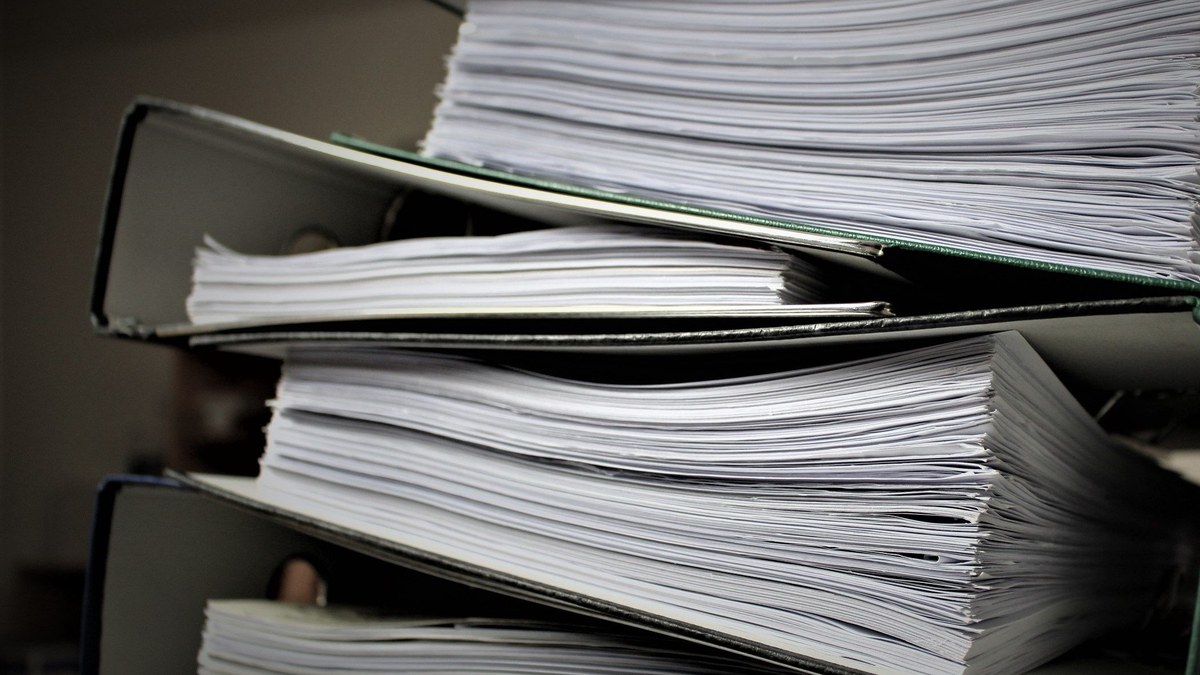
Featured photo: Binders packed with printed pages. Unlimited OCR 2 is built to turn long scanned documents like these into editable text, and Baidu tested it on documents of up to 300 pages. Photo: Pixabay / Pexels
Sources: Baidu: Unlimited-OCR-2 model card on Hugging Face, checked 28 Oct 2026; Baidu: Unlimited-OCR GitHub repository and README, checked 28 Oct 2026; Baidu ERNIE Team: Unlimited OCR Works 2 technical report (PDF), checked 28 Oct 2026; Baidu: Unlimited OCR 2 demo on Hugging Face Spaces, checked 28 Oct 2026; Baidu: MarathonDocBench dataset, checked 28 Oct 2026.