
We only recommend what we would use. WhatsApp and third-party automation rules change. Read Meta’s current Business Policy and your tool’s terms before you connect a live customer number.
Your customers already message you on WhatsApp. A chatbot here is not a demo for investors. It is an after-hours receptionist that answers the same questions you already type every day, as long as you keep those answers honest.
What you are actually building
Not a robot that pretends to be you. A helper that answers a short, written list: price, hours, location, whether you have stock, and how to pay. If the question is not on that list, the bot should say a human will reply, not invent a discount, a diagnosis, or a delivery promise.
Write the answers before you touch any software
- Open a document and write the five answers in the language your customers actually use.
- Add one line for anything you will never let a bot decide: payments that are not yet received, medical or legal advice, complaints, and custom quotes.
- Add the human hand-off sentence: who replies, and by when (for example, “someone from the shop will reply after 08:00 on the next business day”).
If you cannot write those answers clearly, no platform will save you. The document is the product.
The no-code route
You do not need to write code for this job. A typical path looks like this:
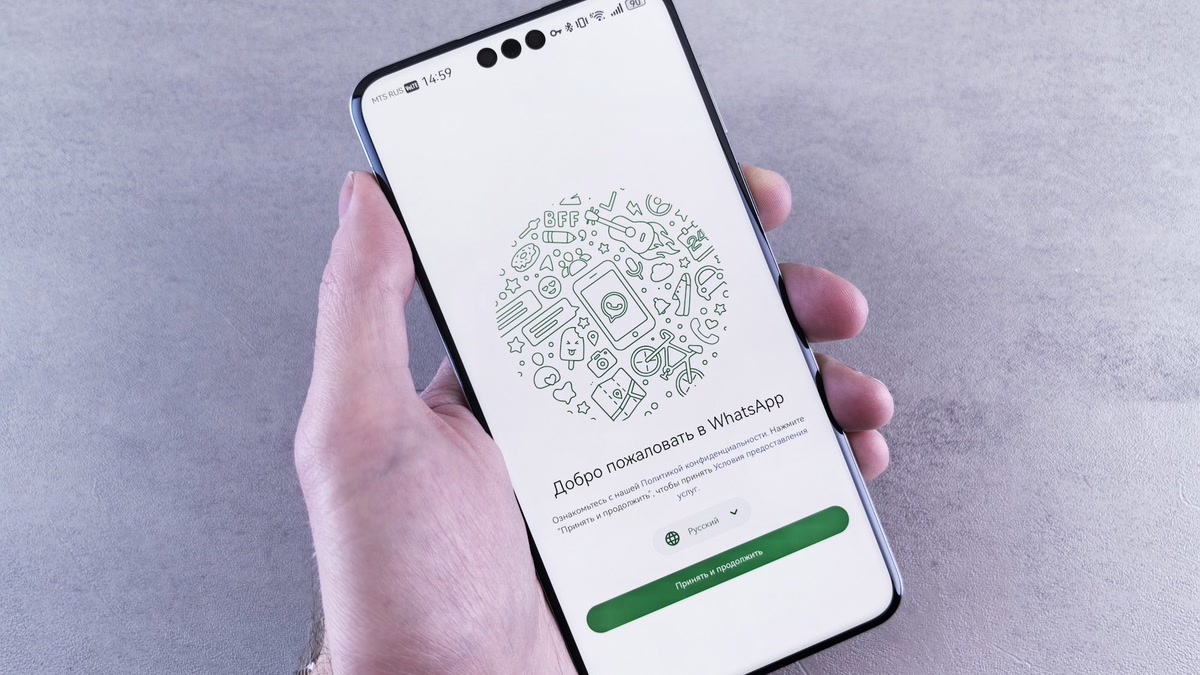
- Turn on WhatsApp Business (the official app) so you have a business profile, labelled messages, and a catalogue if you sell products.
- If you outgrow manual replies, pick a WhatsApp Business Platform provider or a connector that your current tool already supports. ManyChat is one example of a platform that can connect automations to WhatsApp; respond.io and similar customer-messaging tools are others. Choose the one you can actually log into and test, not the one with the loudest ad.
- Paste your written answers as the bot’s knowledge or as fixed quick replies. Tell it, in the instructions: never invent a price. If it is unsure, offer the human hand-off.
- Test from a second phone. Ask the five normal questions, then ask weird ones on purpose (“Can I pay next month?”, “Is this medical-grade?”, “Do you deliver at 2 a.m.?”).
- Only then share the number on your status, site or packing slip.
If a tool asks you to write Python before you have tested those five answers, close it. You do not need it yet.
Rules that keep you out of trouble
Meta’s WhatsApp Business Policy is the document that matters more than any vendor’s landing page. In practice, two habits prevent most freelancer mistakes:
- Have a clear path to a human during automated replies. Customers must be able to reach you, not loop inside a script.
- Respect messaging windows and templates. Outside an open customer-care window, business-initiated messages generally need approved templates. Your provider will show you that flow; do not try to improvise raw promotional blasts.
Never let the bot take a payment promise or give medical or legal answers. WhatsApp is for routing. Money and advice stay with you. For the everyday messages you already type, our guide to automating the replies you type every day is the companion piece. If you later want draft help that still works when the network drops, see running a local model offline (that is a writing backup, not a live WhatsApp server).
A one-hour test plan
Block an hour before you announce anything:
- Minutes 0–15: finish the five-answer document and the hand-off sentence.
- Minutes 15–35: connect the tool on a test number or a quiet business number, and load only those answers.
- Minutes 35–50: send ten messages from a personal phone, including three that should fail safely.
- Minutes 50–60: read every reply out loud. If you would not send it yourself, change the source document, not the model’s mood slider.
When it works, you notice it on Monday morning: fewer “hi, are you open?” messages, and more “I want the red one, how do I pay?”. That is the point. We are not promising a sales figure. We are promising a quieter inbox if the answers were true.
When you should not build this
- You do not yet know your prices or hours.
- A complaint or safety issue is a large share of your inbound chat. Those need a person first.
- You planned to let the bot “just figure it out” from your website. That is how invented prices happen.
Start smaller if needed: saved replies in WhatsApp Business, no AI at all. Add automation when the same five answers are stable.
Write down what you will measure after two weeks: how many chats the bot closed without you, how many it handed off, and how many replies you had to correct. If you are correcting more than a handful, the source document is wrong. Go back to step one instead of adding more automation.
Sources: WhatsApp Business Policy, WhatsApp Business, ManyChat. Checked 10 Nov 2026.