
GTA 6 not working on launch night? Before you delete anything, check whether the problem is the network, your account or your console. PlayStation Network had a major outage on 18 November, hours before launch, and PlayStation's own support page has clear steps for downloads that will not start.
This guide gives the check order, PlayStation's official download and code steps, what is confirmed about the required PS5 system update, the short Xbox picture, and what Rockstar has and has not said about bugs. It does not promise a fix for every error, because Rockstar has not published launch guidance we could open.
We only recommend what we'd use.
Last updated: 19 November 2026
The short answer: check the status pages first
Open PlayStation Network status or Xbox status before you touch your console. If a service is flagged there, nothing you do at home will fix it, so wait. If everything shows as up, work through the console steps below. What the page shows when you check is what counts, not what it showed yesterday.
What happened on 18 November
Axios reported a major PlayStation outage hours before launch. It quoted PlayStation's status page saying players "might have difficulty launching games, apps or network features", and said the page later showed all issues resolved. Axios also said Xbox players were not reporting problems that day.
GamesRadar described a slightly different picture: user reports of errors, trouble redeeming codes and upgrading editions climbed, while the status page was still showing green for North America and the UK. Outlets give different times, and Sony did not give a cause in anything we read.
GTA 6 not working: download will not start on PS5
These are the steps from PlayStation's GTA VI support page:
- Open Downloads/Uploads from the control center and select the GTA VI download.
- If it is listed but not downloading, select Pause, then Resume.
- If it still does not start, select the download, choose Cancel and Delete, go back to Game Library and download GTA VI again.
If that fails, PlayStation says to check that you are signed in to the account that ordered the game or redeemed the code, that your PS5 is online, that you have enough storage and that your system software is up to date. Short on room? Our GTA 6 launch day guide has the download size, unlock times and free-space check.
Code and account problems
- Physical edition. PlayStation's page lists the physical version as Code-In-Box: you get a download code, not a game disc. If the code is missing or unreadable, PlayStation says to contact the retailer, so keep your receipt.
- Upgrades. Upgrading from Standard to Ultimate Edition is available only from PlayStation Store.
- Shared consoles. If other accounts on your PS5 need to play, enable Console Sharing and Offline Play under Settings, Users and Accounts, Other.
The required PS5 system update
GamesRadar quotes PlayStation Support saying on X that Sony has issued a PS5 system software update that is required before playing GTA VI, and that players should download it before midnight on 19 November. Axios reported the same advice. GamesRadar and Polygon give the version as 26.07-14.23.00, with patch notes that mention only security fixes. Sony has not said why it is required.
PlayStation's page shows the update path: Settings, System, System Software, System Software Update and Settings. If the update hangs, here is what to do when a PS5 update gets stuck.
Xbox, and crashes or glitches
Xbox. Xbox Wire's launch guide says to power up, connect and install the latest system and game updates before you play. We could not read Xbox's status or error pages, so check the status page linked above and use Xbox Support for error codes.
Crashes and glitches. Yahoo Tech reports that Rockstar released two pre-launch updates without patch notes. Sportskeeda is collecting player and streamer reports of glitches such as characters clipping through objects. These are user reports, and Rockstar has not acknowledged them in anything we could open. Any workaround you see online is not official.
Who to contact
PlayStation's page splits support in two. PlayStation Support handles your PlayStation account, launch problems, download problems, codes, installing the game, digital refunds and suspensions. Rockstar Support handles gameplay issues, patches and bugs.
Next step: check the status page, then run PlayStation's pause, resume and redownload steps, then confirm the system update is installed. If the game launches but crashes, send the details to Rockstar Support. If your PS5 shuts down rather than the game crashing, see if your PS5 shuts down from heat.
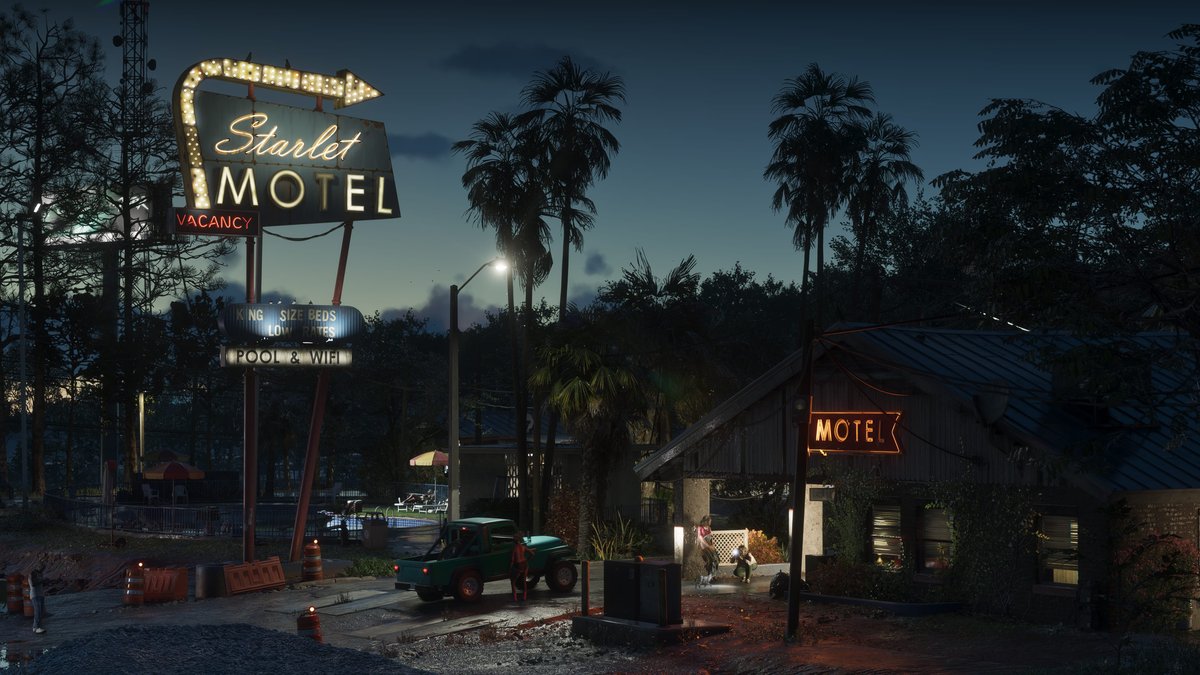
Featured photo: Rockstar Games
Sources: PlayStation Support, Grand Theft Auto VI support; PlayStation Network service status; Xbox Wire, How to get ready for November 19; Xbox status; Axios, PlayStation outage before GTA VI launch; GamesRadar+, PS5 users report PlayStation Network errors; GamesRadar+, mandatory PS5 update; Polygon, mandatory PS5 update; Yahoo Tech, second pre-launch update; Sportskeeda, user-reported GTA 6 bugs.