
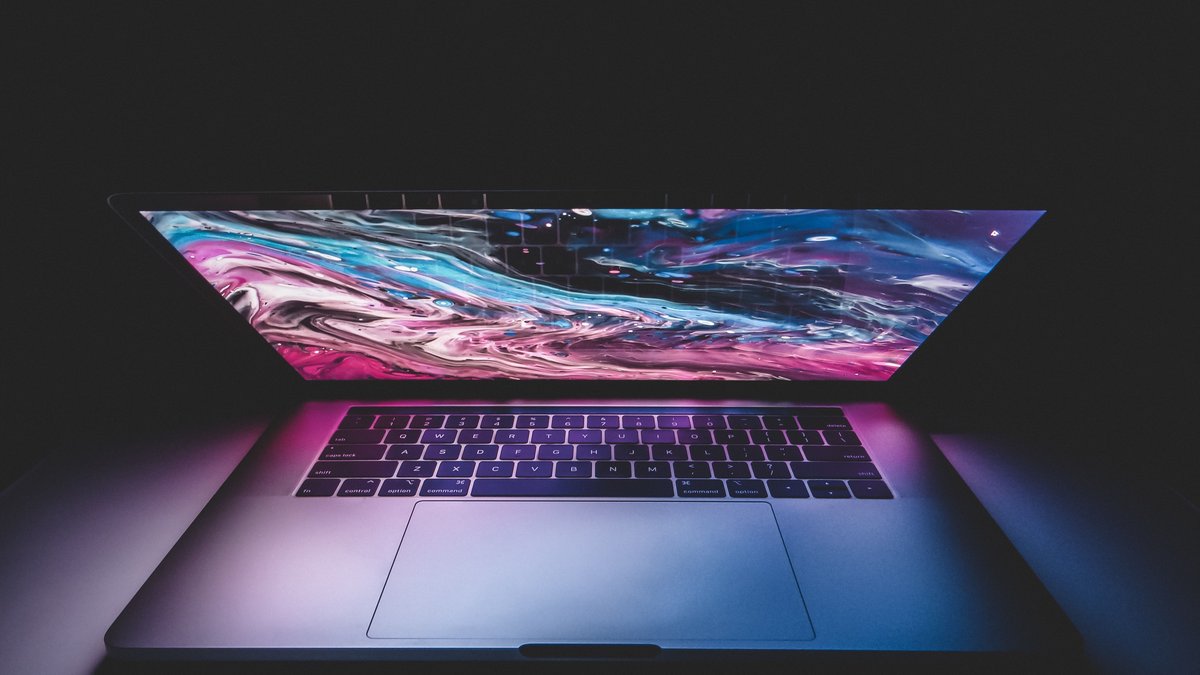
Apple has finally made a touchscreen MacBook Pro. Announced on 28 October 2026, it builds touch into a new tandem OLED display Apple calls PROLED XDR, and it starts at $2,899 in US pricing for the 14-inch model with M5 Pro. That's a big jump from the new non-touch 14-inch MacBook Pro with M6 at $1,999 (US pricing). This guide explains what touch actually does on macOS, what each model costs, and who should buy the touchscreen MacBook Pro now, wait, or skip it.
Everything below was checked on 29 October 2026 against Apple's two newsroom announcements and CNBC's launch report. There are no independent reviews yet, so there are no benchmarks, battery tests or hands-on impressions here. Every price is Apple's US pricing from its newsroom.
We only recommend what we'd use.
Last updated: 1 November 2026
The short answer
- What it is: Apple's first Mac with a touchscreen, in 14-inch and 16-inch sizes, with M5 Pro or M5 Max chips.
- Price: from $2,899 (US pricing) for the 14-inch M5 Pro, up to $4,799 (US pricing) to start for the 16-inch M5 Max.
- Buy it if you edit photos or video, do 3D work or present a lot, and want both touch and Apple's best laptop display.
- Skip it for the 14-inch MacBook Pro with M6 at $1,999 (US pricing) if you simply need a fast Mac.
- Timing: pre-orders opened on 28 October, and Apple says it starts arriving on Friday, 6 November.
What touch actually does on macOS
Apple says the touch sensor "is built directly into the display panel", not layered on top of it, "reducing latency so users feel like they're touching the content itself." It also mentions a newly designed hinge.
The gestures Apple lists are familiar from phones and tablets: scroll, pinch, drag and drop, and "double-tap a window to fill the screen, or flick to tile it into place."
The bigger question is apps. Apple's answer: "many existing apps work with Touch right away, because macOS automatically translates touches into clicks." In plain terms, an app that was never designed for touch will still respond, but a tap behaves like a mouse click rather than a gesture built for fingers.
Apple names third-party apps getting touch-optimised versions, including Notion, Canva, Zoom, Microsoft Word, Excel, PowerPoint and Outlook, Lightroom, DaVinci Resolve, Blender, Cinema 4D, ZBrush, Shapr3D and djay Pro. There's a catch in the footnote: "Apps listed will be available later this year." So don't assume your favourite app will feel touch-native on day one.
The display is half the story
For a lot of buyers, the screen matters more than touch. Apple's numbers for PROLED XDR:
- Brightness: up to 2000 nits peak, for both HDR and SDR.
- Contrast: 10,000,000:1.
- Refresh rate: ProMotion from 10Hz to 120Hz.
- Colour: P3 and Adobe RGB, plus more than 80% of Rec. 2020.
- Sizes: 14.2 inches and 16.3 inches, measured diagonally.
- Option: a nano-texture finish, now etched into the cover glass, to cut glare.
Adobe RGB support is the line photographers and print designers will notice. If you already colour-grade or retouch on a Mac, this display may be the stronger reason to upgrade, with touch as a bonus.
Touchscreen MacBook Pro price ladder
These are Apple's starting prices from its newsroom, all US pricing. Configured models cost more.
| Model | Chip | US price (from) | US education price | Touch? |
|---|---|---|---|---|
| 14-inch MacBook Pro | M6 | $1,999 | $1,899 | No, Apple doesn't list touch |
| 14-inch PROLED XDR | M5 Pro | $2,899 | $2,749 | Yes |
| 16-inch PROLED XDR | M5 Pro | $3,399 | $3,199 | Yes |
| 14-inch PROLED XDR | M5 Max | $4,499 | $4,199 | Yes |
| 16-inch PROLED XDR | M5 Max | $4,799 | $4,499 | Yes |
The gap between the non-touch M6 model and the cheapest touchscreen model is $900 in US pricing. CNBC's Kif Leswing put the new touch models this way: "Both are notable price increases from existing models."
The M6 model's announcement doesn't mention touch, so treat it as the non-touch option. Pre-orders for it opened on 28 October in 35 countries and regions, with availability from 6 November.
Who should buy, wait or skip
Buy it now if
- You edit photos or video in apps like Lightroom or DaVinci Resolve, or work in 3D in Blender, and want the PROLED XDR display.
- You present often, or build slides and designs in Canva, and like the idea of reaching out and moving things on screen.
- You want a lighter 16-inch laptop. Apple says the 16-inch now weighs 4 pounds, 0.7 pounds less than before.
Wait if
- Your work depends on touch-optimised versions of the named apps. Apple says they arrive "later this year", without dates.
- You want independent tests of battery life, touch response and the display before spending this much. None have been published yet.
Skip it if
- You're on a budget. The 14-inch M6 MacBook Pro at $1,999 (US pricing) is the cheaper way into a new MacBook Pro.
- You don't actually want to touch a laptop screen. Only 17% of notebook PCs shipped globally this year will have touchscreens, according to IDC data cited by CNBC, so plenty of people don't.
Battery, weight and ports
Apple claims "up to 24 hours of battery life in thinner and much lighter 3- and 4-pound designs." That battery figure comes from Apple's own testing, so treat it as a best case until independent tests arrive. The 14-inch weighs 3 pounds, half a pound less than before.
- Ports: three Thunderbolt 5 ports, HDMI, an SDXC card slot, MagSafe and a headphone jack.
- External displays: up to three with M5 Pro, up to four with M5 Max.
- Wireless: Wi-Fi 7 and Bluetooth 6 through Apple's N1 chip.
- Charging: up to 50% in 30 minutes, per Apple.
- Other: a 12MP Center Stage camera, six speakers, up to 128GB of unified memory and up to 16TB of storage. It ships with macOS 27.
If you're weighing a Windows rival, our Surface Laptop Ultra buy, wait or skip guide covers Microsoft's high-end option.
Siri AI and the Dynamic Island on Mac
The Dynamic Island, the pill-shaped area at the top of recent iPhones, now comes to the Mac. Apple calls it "the home for Spotlight, Live Activities, and Siri AI." Apple's footnote says Siri AI is in beta in macOS 27.2, so treat that part as a preview, not a finished feature.
For a view of which Apple AI features are dependable today, see Apple Intelligence 2026: what actually works.
FAQ
Do all my apps work with touch?
Apple says many existing apps work right away because macOS translates touches into clicks. Touch-optimised versions of apps like Lightroom, Zoom and Microsoft Word are due "later this year", with no dates.
Is the M6 MacBook Pro a touchscreen?
Apple's announcement for the 14-inch M6 model doesn't mention touch. Touch is listed for the PROLED XDR models with M5 Pro and M5 Max.
When does it ship?
Pre-orders opened on 28 October in 30 countries and regions, including the US. Apple says it starts arriving on Friday, 6 November. Apple doesn't name the other countries in its announcement, so check your local Apple Store.
How much does education pricing save?
On the touchscreen models, between $150 and $300 off the starting price, in US pricing.
If you're torn, wait for the first independent reviews after 6 November. That's the best way to know whether touch on a Mac is worth $900 more (US pricing) than the M6 model.
Featured photo: An open laptop with a bright, colourful screen. Apple's first touchscreen MacBook Pro starts at $2,899 in US pricing and starts arriving on 6 November. Photo: Sharad Bhat / Pexels
Sources: Apple Newsroom: Apple unveils groundbreaking MacBook Pro with PROLED XDR Display, checked 29 Oct 2026; Apple Newsroom: Apple introduces the new 14-inch MacBook Pro with M6, checked 29 Oct 2026; CNBC: Kif Leswing on Apple's touchscreen Mac launch, checked 29 Oct 2026.